Fusion
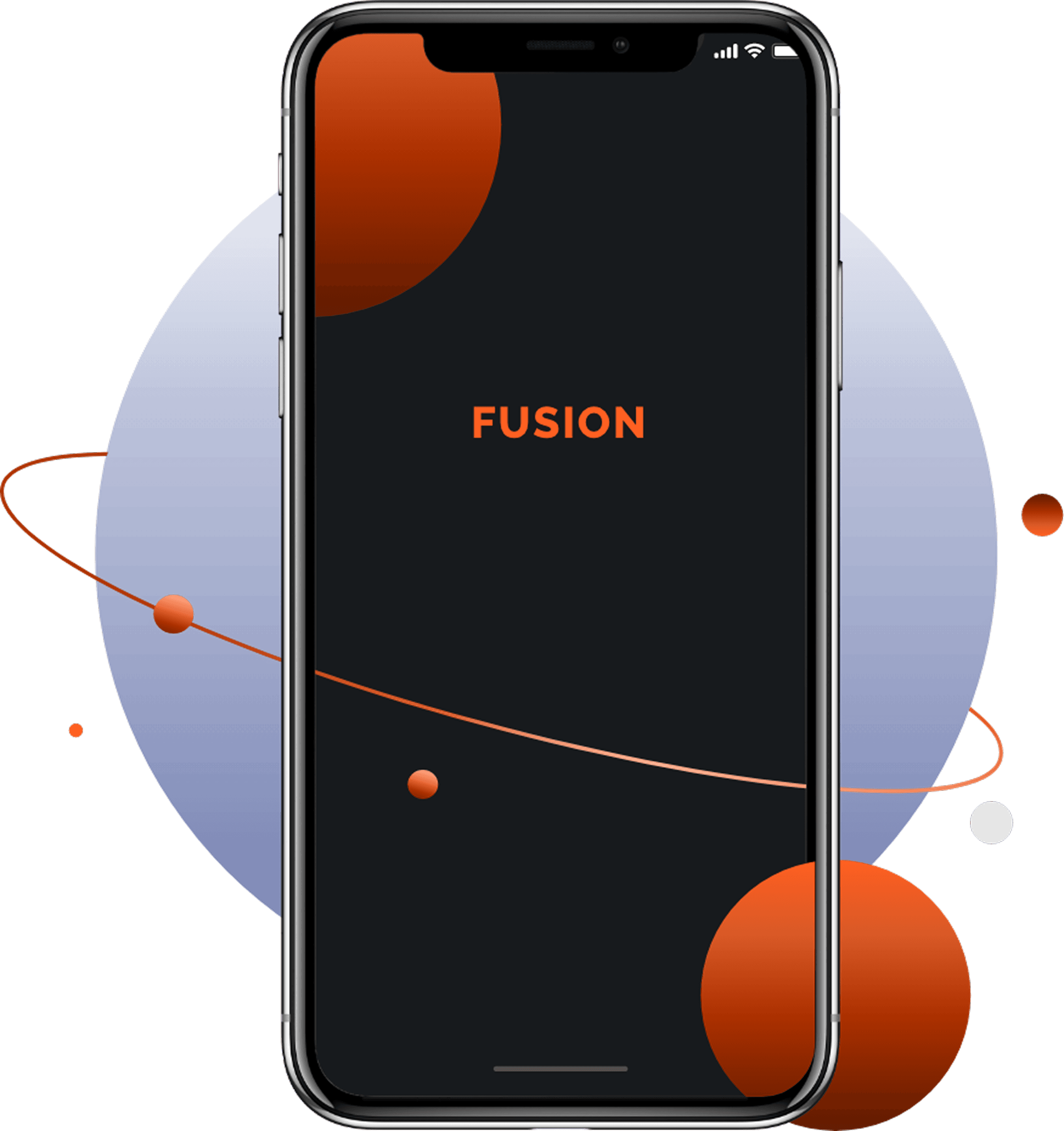
Fusion is a mobile app designed to bring together fragmented enterprise platforms into a single, personalised interface, helping employees access critical information quickly, clearly, and on the go.
Client:
Mercedes Benz Research and Development
Duration:
14 months
.
My Role
Led research synthesis, user flows, information architecture, and end-to-end visual design for the visitor experience, while collaborating on system-level thinking for admins and store staff.
Skills
Enterprise UX Interaction Design Visual Design Usability Testing Agile Collaboration
Tools
Figma Illustrator Photoshop Zeplin Jira
Overview
Context
Large enterprises rely on multiple internal platforms for tasks like approvals, updates, communication, and information access. Employees often switch between tools, losing time and context.
Fusion was conceived as a single mobile entry point that integrates with existing enterprise systems and presents a curated, role-based view of essential information, without replacing existing tools.
The Problem
Employees were overwhelmed by fragmented tools and information silos
Critical updates were hard to find and time-consuming to access
Mobile experiences were often secondary or poorly optimised
Lack of personalisation led to information overload instead of clarity
Key Insights
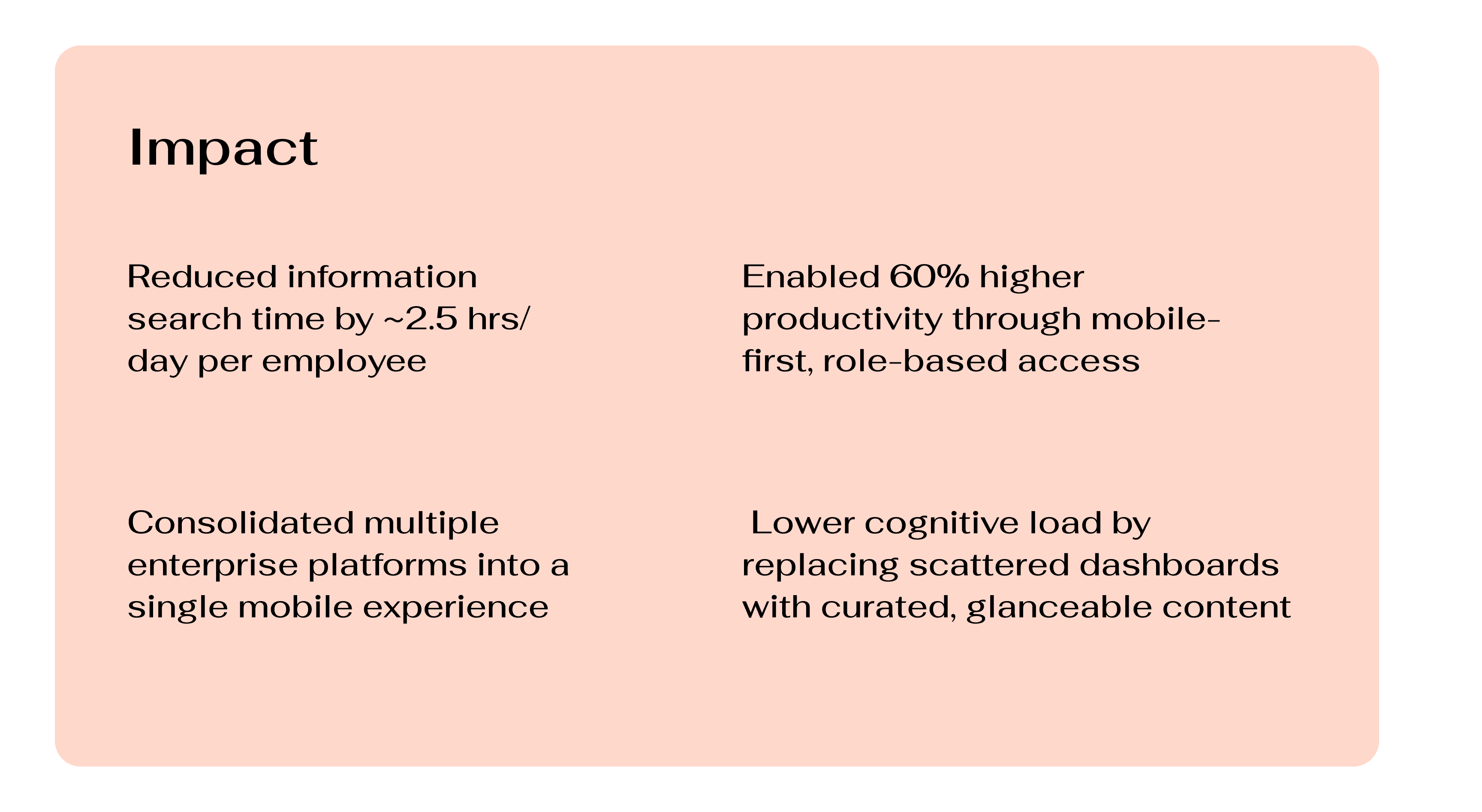
Research revealed that employees are frequently overwhelmed by fragmented tools and spend significant time searching for information, especially on mobile. Users valued quick, glanceable access to role-relevant content, strong personalization, and the ability to reach the right people easily. Mobile-first, remote-ready access emerged as critical for productivity, trust, and daily efficiency.
SOlution
A mobile-first enterprise hub that unifies multiple internal platforms into one personalized, easy-to-navigate experience.
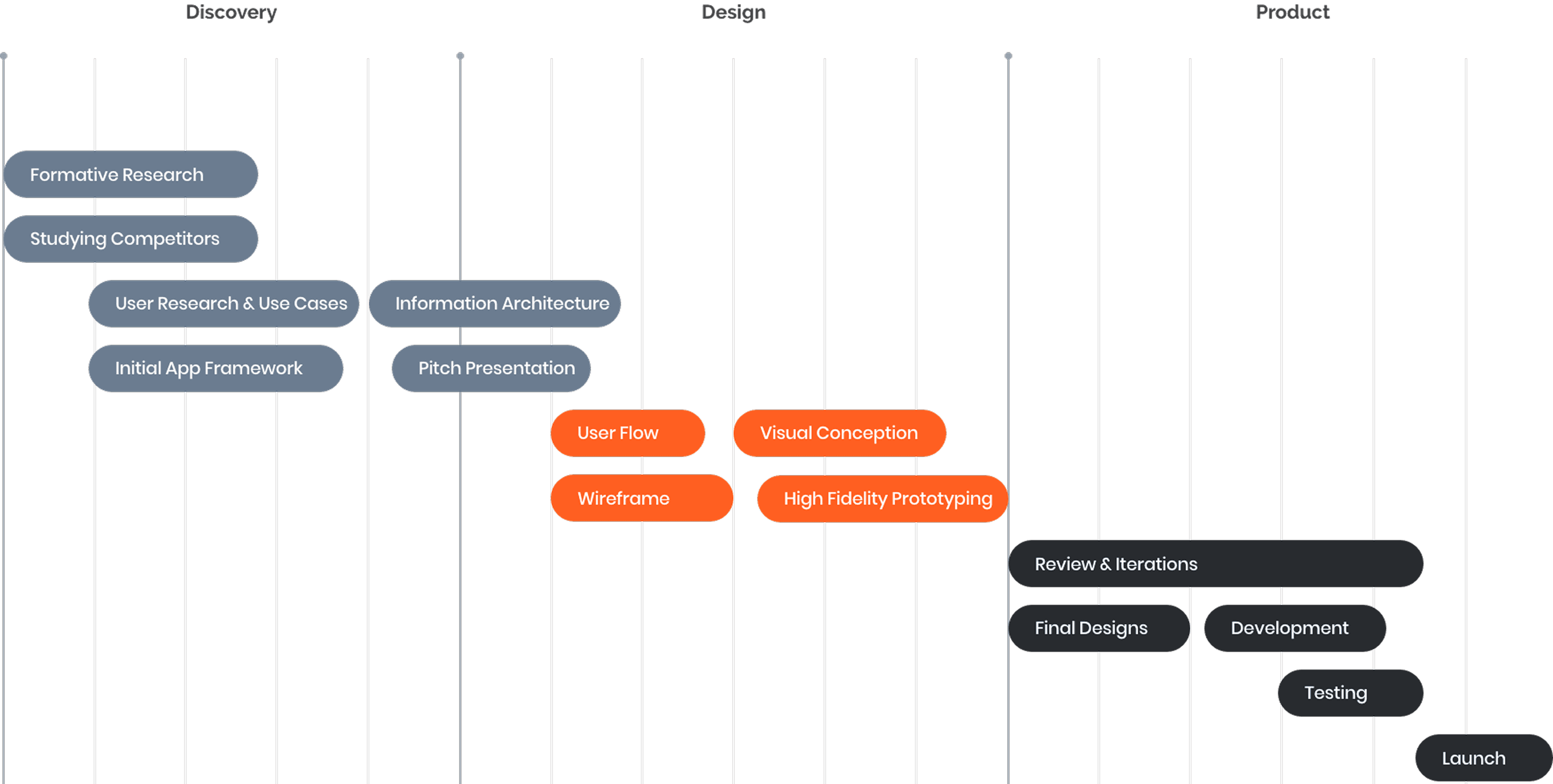
Research Overview
Research was conducted using time-efficient, high-impact methods:
Primary research: Interviews and conversations with employees across roles and seniority
Secondary research: Market analysis, competitor review, forums, articles, UX audits
Pain Points
Too many platforms for simple daily tasks
Important information is buried under non-relevant content
No clear prioritisation of what needs attention
Difficulty reaching the right people for help
Poor mobile experiences for enterprise workflows
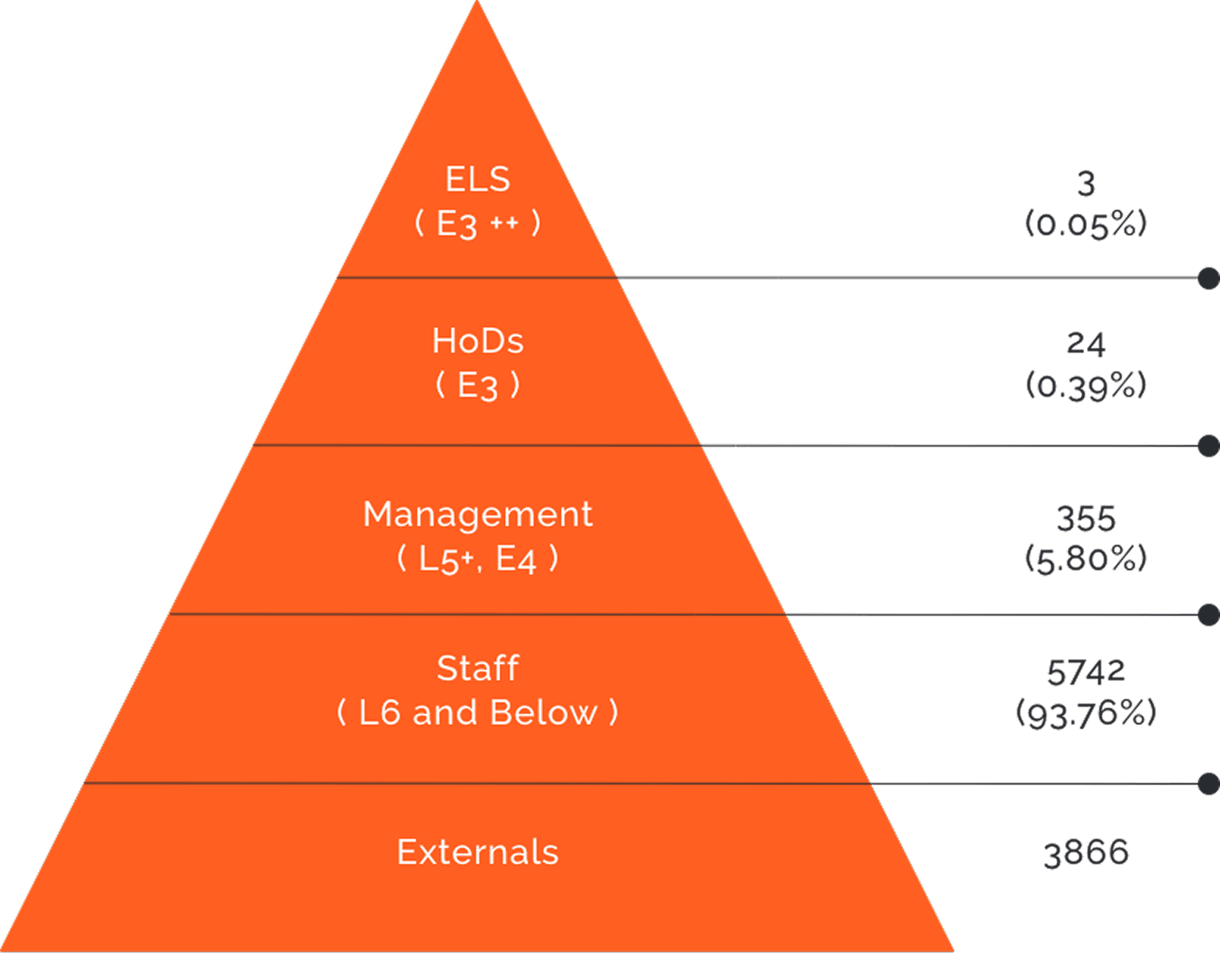
Target Audience
Design Direction
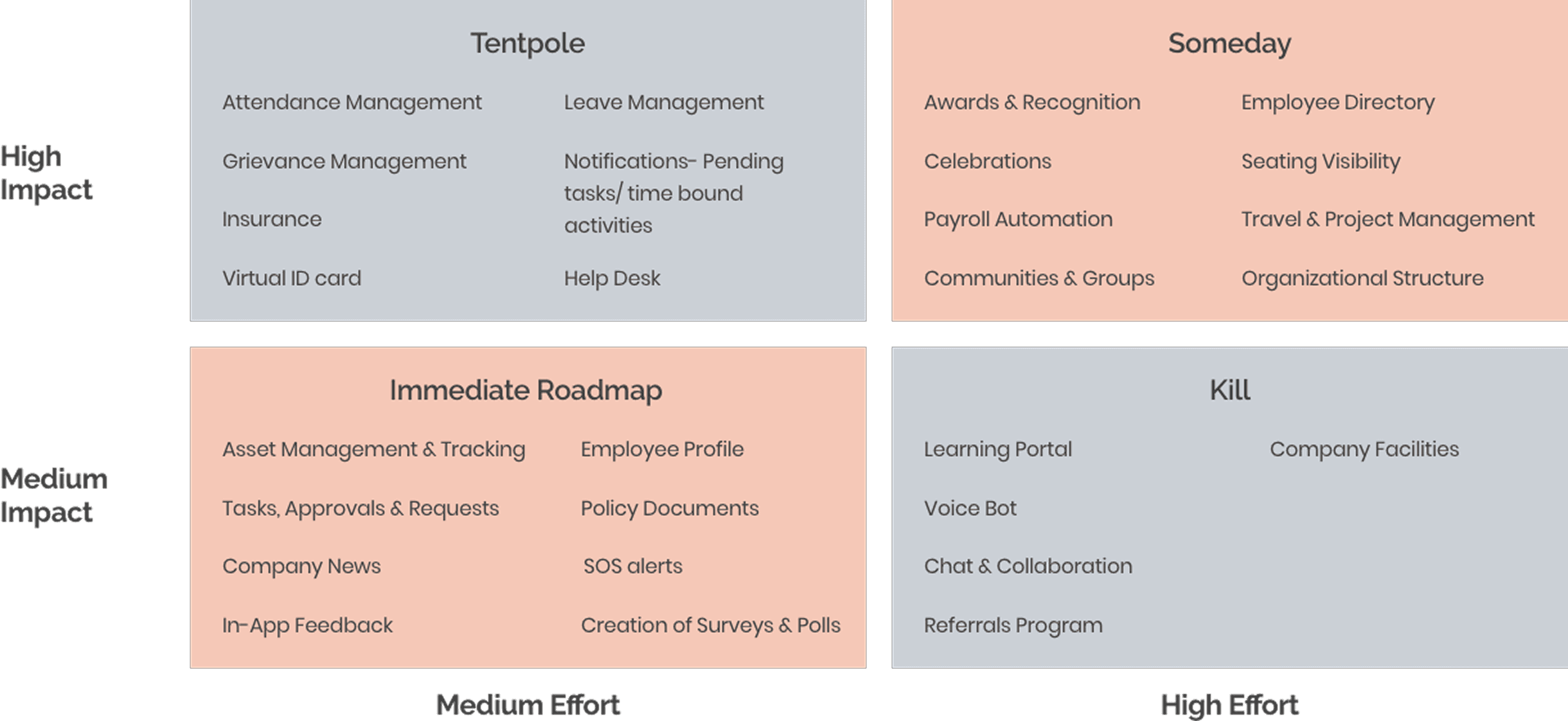
An Impact - Effort analysis helped prioritize features that delivered maximum value with feasible technical effort. The design direction emphasized seamless integration, curated content, and familiar patterns to help employees act faster with less friction.
UX Goals
Reduce time spent searching for information
Surface only what is relevant to the user
Enable quick actions and status checks
Support trust, communication, and accessibility
Keep the experience simple, fast, and scalable
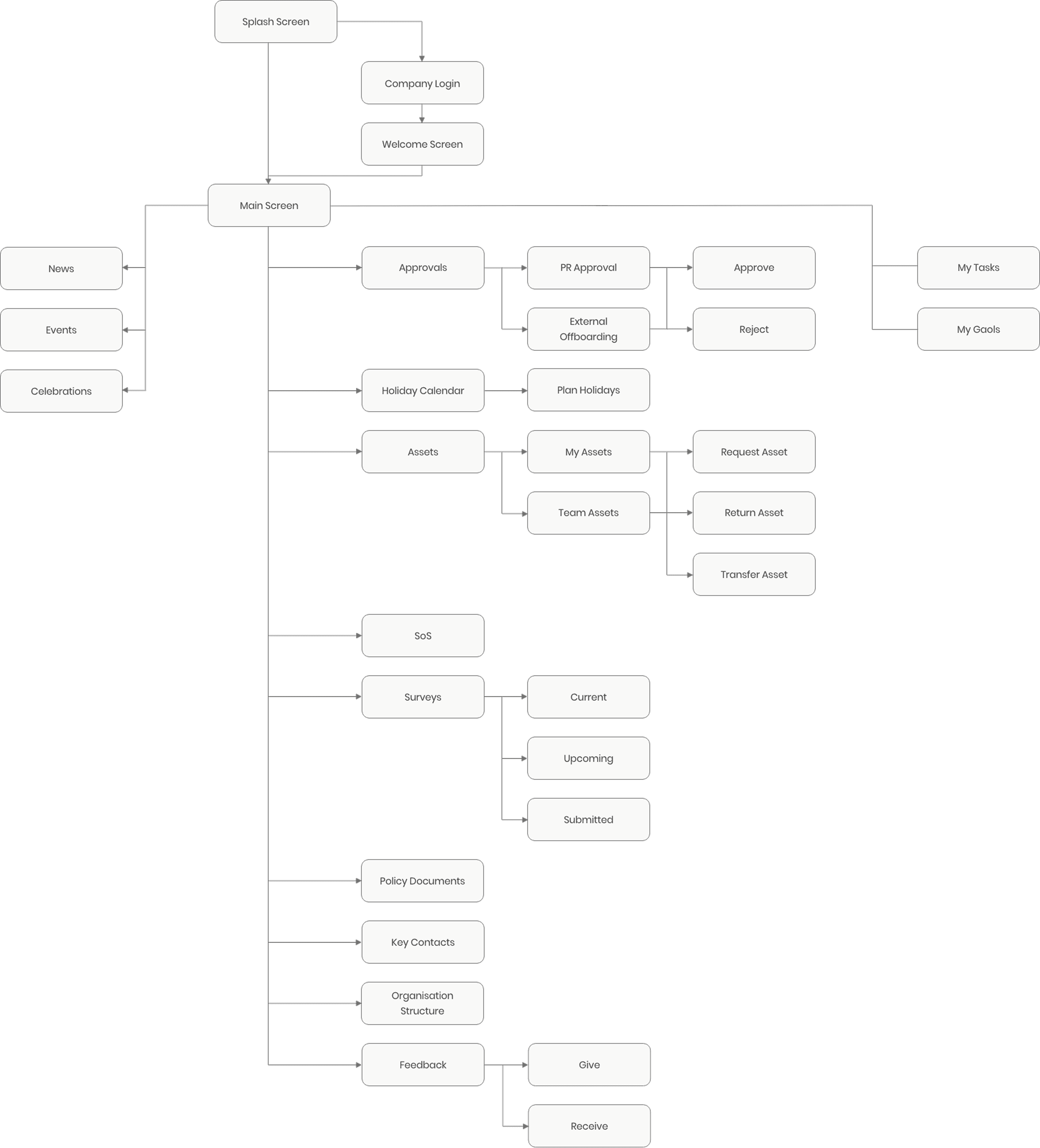
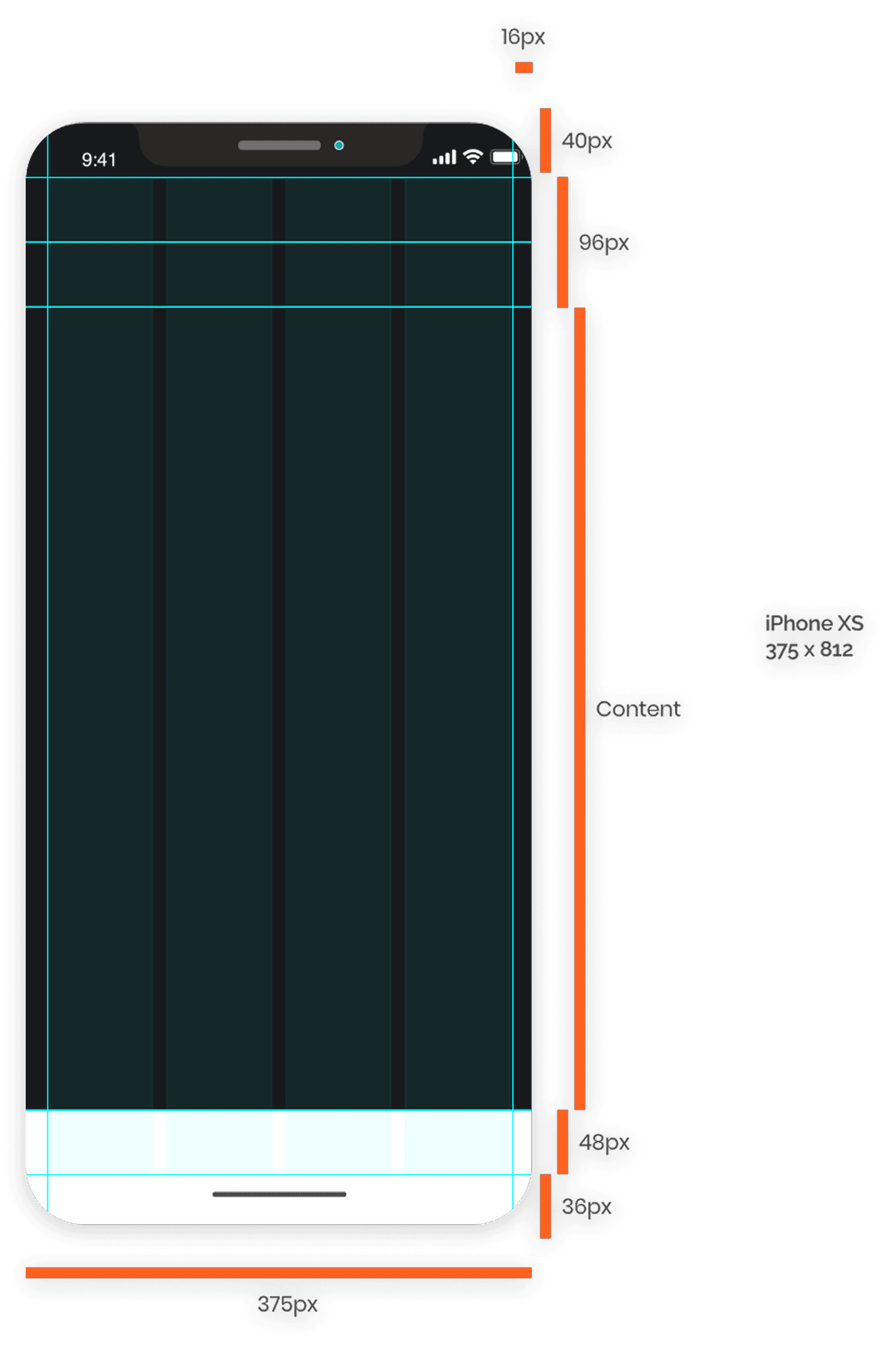
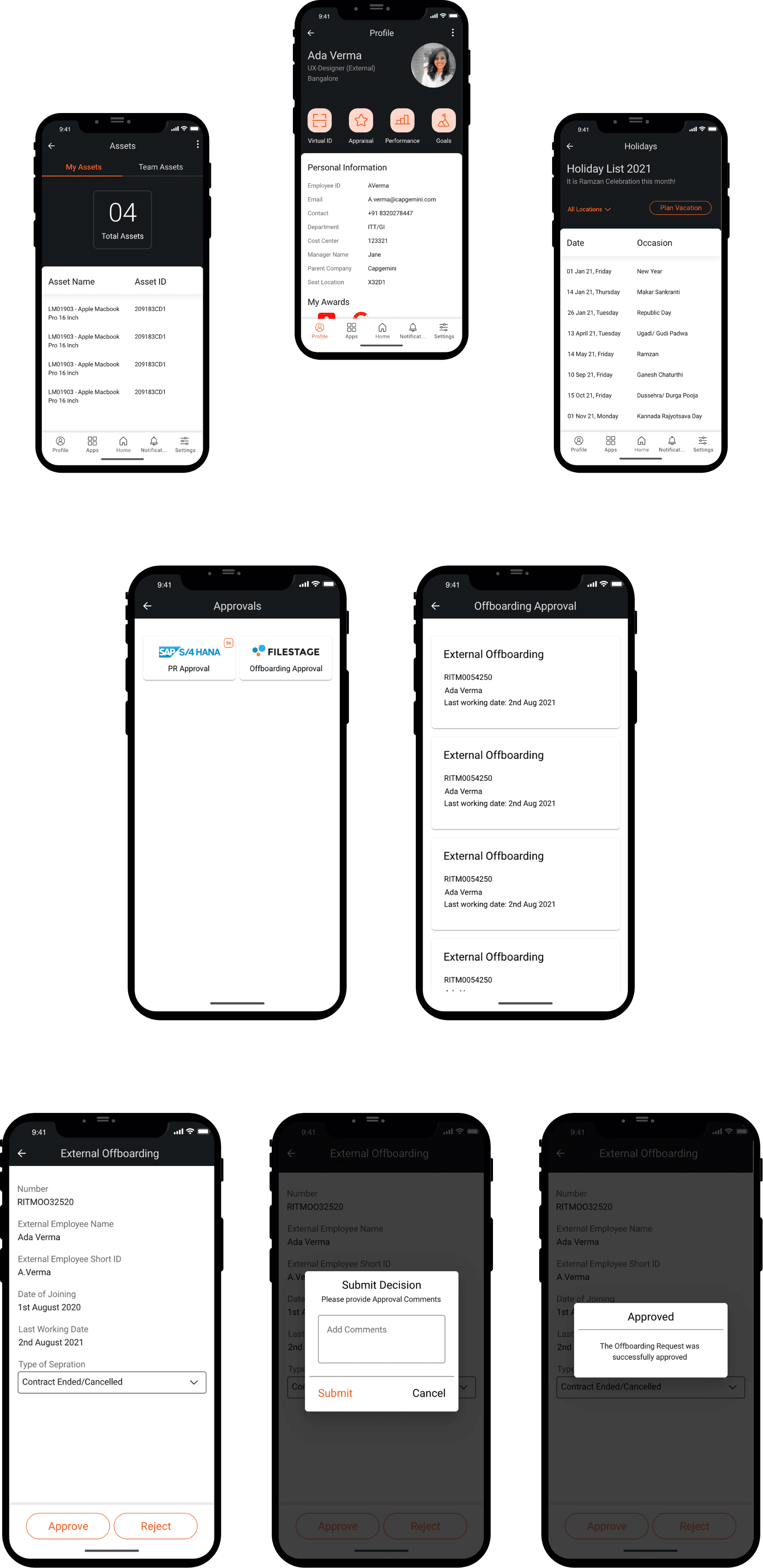
Wireframing, Grids & Visual Design
Key Learnings